
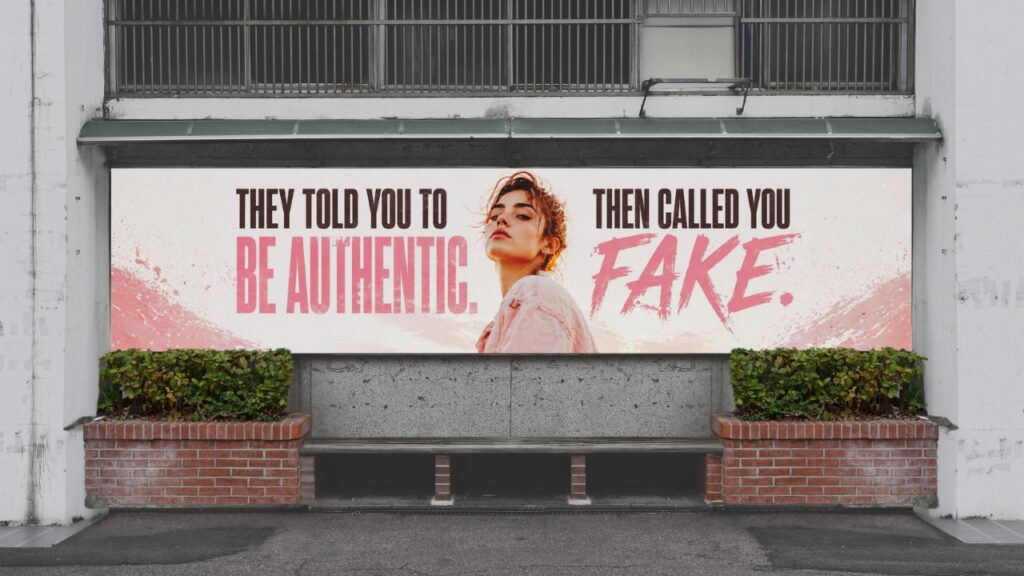
Social media tells you to show up as yourself and build real connections. Then Instagram decided I wasn’t who I said I was.
A week into trying to get my account back, the reason changed. Instead of a vague terms of service violation, it now said I was pretending to be someone else. I’ve run this account under my own name since the day I created it. Filing an Instagram impersonation appeal with no clear process to follow was its own frustration on top of everything else.
If you’re in the same situation, here’s what I learned about how to push back on it.
Why Instagram Flags Accounts for Being Fake When They’re Not
Instagram’s impersonation policy lets any user file a report claiming an account is pretending to be someone else. When that report comes in, Instagram’s automated system can disable the account before anyone verifies whether the claim is actually true.
A competitor, a disgruntled follower, or a complete stranger can file that report. Your handle or profile photo resembling another account in any way can be enough to trigger it. You don’t get warned before it happens, and you typically won’t find out who filed the report.
If the reason on your disabled screen has shifted since you first saw it, that’s also normal. Different parts of Instagram’s support system handle different stages of the review and don’t always land on the same conclusion. A changed reason usually means someone has looked at your case, so keep documenting every version with the date it appeared.
How to File an Instagram Impersonation Appeal
Your goal is to make your identity clear enough that there’s nothing left to question.
Go back to the disabled screen in the app and submit a fresh appeal. Use the explanation field if there is one. Say directly that you are the account owner, that you have not pretended to be anyone else, and that you have documentation to back that up.
Keep it factual and brief, and have your government-issued ID ready. Instagram asks for it in these appeals, and if your legal name matches your account or business name, that document does most of the work for you.
Fill out forms through Meta’s Help Centre that specifically address these disputes. The impersonation appeal form is a good starting point. Use the same email address, the same account name, and the same explanation across every form you submit. Inconsistent information across submissions slows the review down.
How to Reach a Real Person Through Facebook Chat
If your account was set up as a Business or Creator account connected to a Facebook Page, Facebook Chat gets you out of the automated queue and in front of an actual support specialist. To access it, go to facebook.com/business/help. Click Support in the top right corner, select Get Started, and choose your Business Manager account or Facebook Page. Complete the form and hit Chat.
When you connect, have your username, your account email, the date it was disabled, and a brief summary of your situation ready. The specialist may not resolve it in one session, but getting into this queue produces better results than relying on automated forms alone.
How Meta Verified Can Help Prevent This from Happening Again
Meta Verified is Meta’s subscription programme for Instagram and Facebook. It gives you a blue badge, identity verification against a government-issued ID, and access to dedicated support that’s significantly faster than the standard process.
The identity verification is what matters most here. When you subscribe, Meta confirms who you are against your ID and keeps that record on file. If someone files a false report against your account in the future, that verified record changes your starting position considerably.
It doesn’t make your account impossible to disable. What it does is give you a faster support path and a stronger identity record if things go sideways again. For any business owner who’s been through something like this once, that’s worth weighing against the cost.
Keep Your Business Moving While You Wait
An impersonation dispute usually takes longer than a standard appeal because it requires someone to actually review your case manually rather than process it through an automated system.
Keep a log of every form you submit, every response you get, and every change to the disable reason. If you’re using multiple forms through Meta’s Help Centre, track which ones you’ve sent so you’re not duplicating unnecessarily.
More importantly, keep your business visible through whatever channels you have. Your email list and your website don’t go down when Instagram does. At Post Road Marketing, this is the moment that makes the case for owning your marketing most clearly. A platform can take your account. It cannot take your email list or your website.
Frequently Asked Questions
Can Instagram disable your account for impersonation if the claim is false?
Yes, automated systems and false reports from other users can both trigger an impersonation-related disable without verifying that the claim is accurate. If you believe the claim is false, submit an appeal with identity documentation and a clear statement that you are the account owner. Consistent, factual submissions give your case the best chance of moving forward.
What should I do if my instagram account is disabled for impersonation?
Submit an appeal through the app right away, include a clear explanation that you’re the account owner, and have government-issued ID ready to upload. Fill out relevant forms through Meta’s Help Centre, and if your account is connected to a Facebook Business Page, use Facebook Chat support at facebook.com/business/help for faster access to a real person.
Why does the reason for my Instagram disable keep changing?
Different parts of Instagram’s support system handle different stages of the review, and they don’t always reach the same conclusion. A changing reason usually means your case is being actively reviewed. Document every version you see, including the date each one appeared, so you have a complete record if you need to escalate.
How do I prove to Instagram that I’m not impersonating anyone?
Provide government-issued ID that confirms your identity matches your account or business name. Clearly state in your appeal that you’re the account owner and your account was set up honestly. Make sure every form you submit uses the same information, since inconsistencies across submissions can slow the review down significantly.
Is Meta Verified worth it after dealing with a false impersonation claim?
For businesses who depend on Instagram, Meta Verified offers some extra protection. You get a verified identity on file and faster access to dedicated support if this happens again. There’s no guarantee your account won’t be affected, but it does put you in a stronger position from the start if it is.
This is part three of five. The next post covers what two weeks locked out taught me about protecting a business , and why it changed how I think about where I put my marketing effort.