
It has been four weeks today since Instagram locked me out of my account. Four weeks of forms and appeals, and still no real answers. Nobody could tell me when, or if, this would resolve.
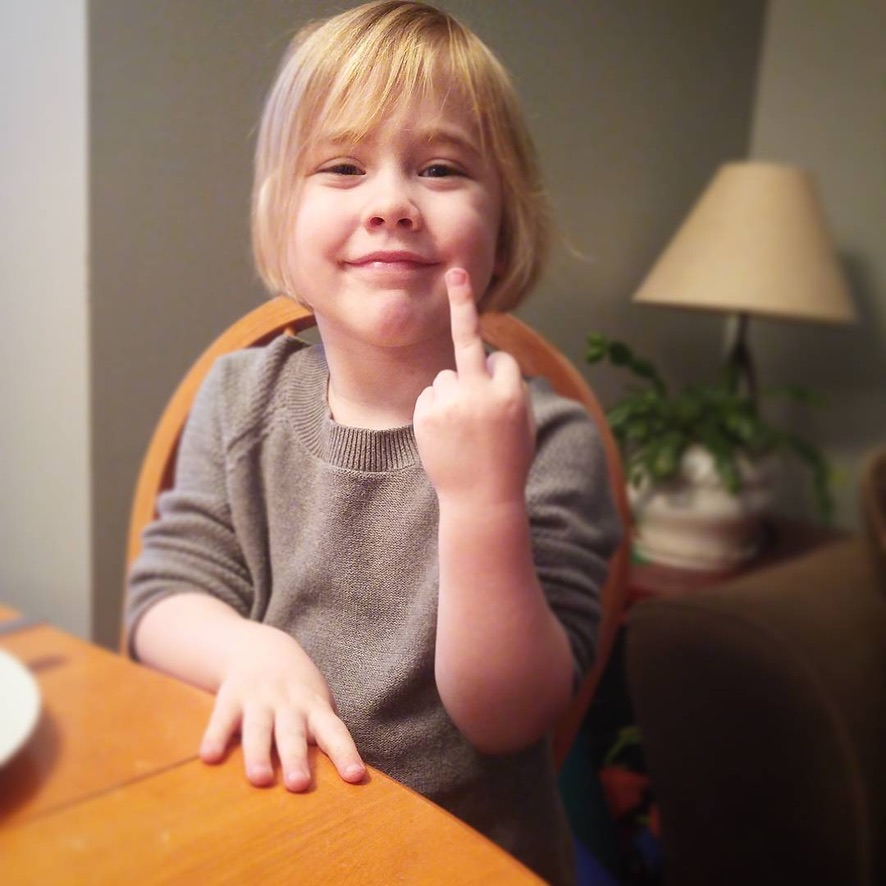
Here’s the truth: my account is back. The first thing I did when I got access was download everything, because I now know from experience that access can disappear without warning. The photo below shows why that matters to me. I caught one of those ordinary moments on my phone. She clearly hurt her finger.
If you’re working through this right now, this post has every form I used, the Facebook Chat steps that actually moved things, and what to do the moment your account comes back.
What the Process of Getting a Disabled Instagram Account Back Actually Looks Like
No single form fixes this, and there’s no support line to call. Instagram runs most of its review process on automation, so trying to resolve it feels like shouting into a system that doesn’t hear you.
Meta’s transparency reporting shows that they reverse a meaningful percentage of account actions on appeal. That means they disable a lot of accounts by mistake. The problem is how they handle the fix. The process moves slowly, shifts constantly, and forces you to keep pushing across multiple channels.
What worked for me was treating it like a job. I submitted consistently and kept records of everything. I stayed in the queue across multiple channels at the same time. And the Facebook Chat route, once I connected my account to a Business Page, finally got real eyes on my case.
Every Form to Fill Out to Try to Get Your Instagram Account Back
There is no guaranteed path here. What I can tell you is that submitting across all of these increases your chances of someone reviewing your case. Use the same email address, the same username, and the same explanation across every form. Keep a log of what you submitted and when.
- Instagram account disabled appeal
- Instagram disabled account: additional intake form
- Instagram account access appeal
- Facebook account disabled contact form
- Instagram account recovery request
Most of these submissions require a government-issued photo ID. If your legal name matches your account or business name, upload the clearest scan you have. That match helps the reviewer confirm your identity quickly.
How to Access Facebook Chat Support to Get Your Instagram Account Back
If your Instagram account is a Business or Creator account and connected to a Facebook Page, you have access to Facebook Chat support. This is different from the standard form submissions because it connects you with a real support specialist. Go to facebook.com/business/help and follow these steps:
- Hit Support in the top right corner
- Select Get Started on the left side
- Choose your Business Manager account or your Facebook Page
- Complete the form and hit the Chat button
When you connect with a specialist, have your username, account email, and the date your account was disabled ready for them. The specialist I spoke with was the first person who could actually pull up my account and look at what had happened. It did not resolve immediately, but it moved things in a way that forms alone had not.
If your account is connected to a Facebook Business Page, do this next if you haven’t.
Do This the Moment You Get Your Account Back
When access came back, the first thing I did was go straight to Settings and download everything. Four weeks of posts, captions, and direct messages, all of it. I had not backed any of it up before this happened, and I am not going to make that mistake again.
You can request your data through Settings > Account > Download Your Data, or go directly to the Instagram data download page. It takes a day or two for the file to arrive. Do this immediately when your account comes back, and then make it a monthly habit.
After you back everything up, connect your account to a Facebook Business Page if you haven’t already. This is the step that gives you access to the Chat support channel in the future. Setting it up when you are not in a crisis is much easier than trying to navigate it from a disabled screen.
Then reach out to your audience. Send an email to your list and post on any other channels you use, letting people know you are back without over-explaining it. People will notice the gap in your presence, and a short, direct note closes it.
Frequently Asked Questions
How long does it take to get a disabled Instagram account back?
In my experience it took four weeks from the initial disable to full restoration. There is no fixed timeline. The duration depends on the reason for the disable, how many channels you are submitting through, and whether you access Facebook Chat support, which tends to produce faster results than automated forms alone.
What forms do I need to submit to get my Instagram account back?
There are five main intake points: the general Instagram appeal form through Facebook, two additional Instagram contact forms, a Facebook account contact form, and an Instagram recovery request form. All links are listed above. Use the same email address and explanation across every submission, and keep a log of what you filed and when.
Does Facebook Chat actually help restore a disabled Instagram account?
For accounts connected to a Facebook Business Page, yes. Facebook Business Chat gets you to a real support specialist rather than an automated review. Access it at facebook.com/business/help. This option only works if you’ve linked your Instagram to a Facebook Business Page or Business Manager account.
What should I do first when I get my disabled Instagram account back?
Download a full backup of your account data immediately through Settings, then Account, then Download Your Data. Then connect your account to a Facebook Business Page if it is not already, so you have the Chat support channel available going forward. After that, let your audience know you are back through your email list and any other channels you use.
How do I back up my Instagram content so I don’t lose it again?
Go to Settings in the app, then Account, then Download Your Data. Request a copy and Instagram will send a download link within a day or two. The file includes your posts, captions, stories, and direct messages. Make it a monthly habit rather than something you only do after a scare.
Four weeks is a long time to feel like your business is in someone else’s hands. The forms above are the most direct path through it. The backup habit is the most important thing to take away from it. And the photo of my daughter with her hurt finger is the reminder I needed that this is all worth protecting.